Coding-agent workspace comparison
tlbx vs T3 Code
T3 Code (t3code) and tlbx bring coding agents, terminals and review into a development workspace. Compare how each handles your agents and host tools before choosing the workspace for your projects.
Where tlbx fits
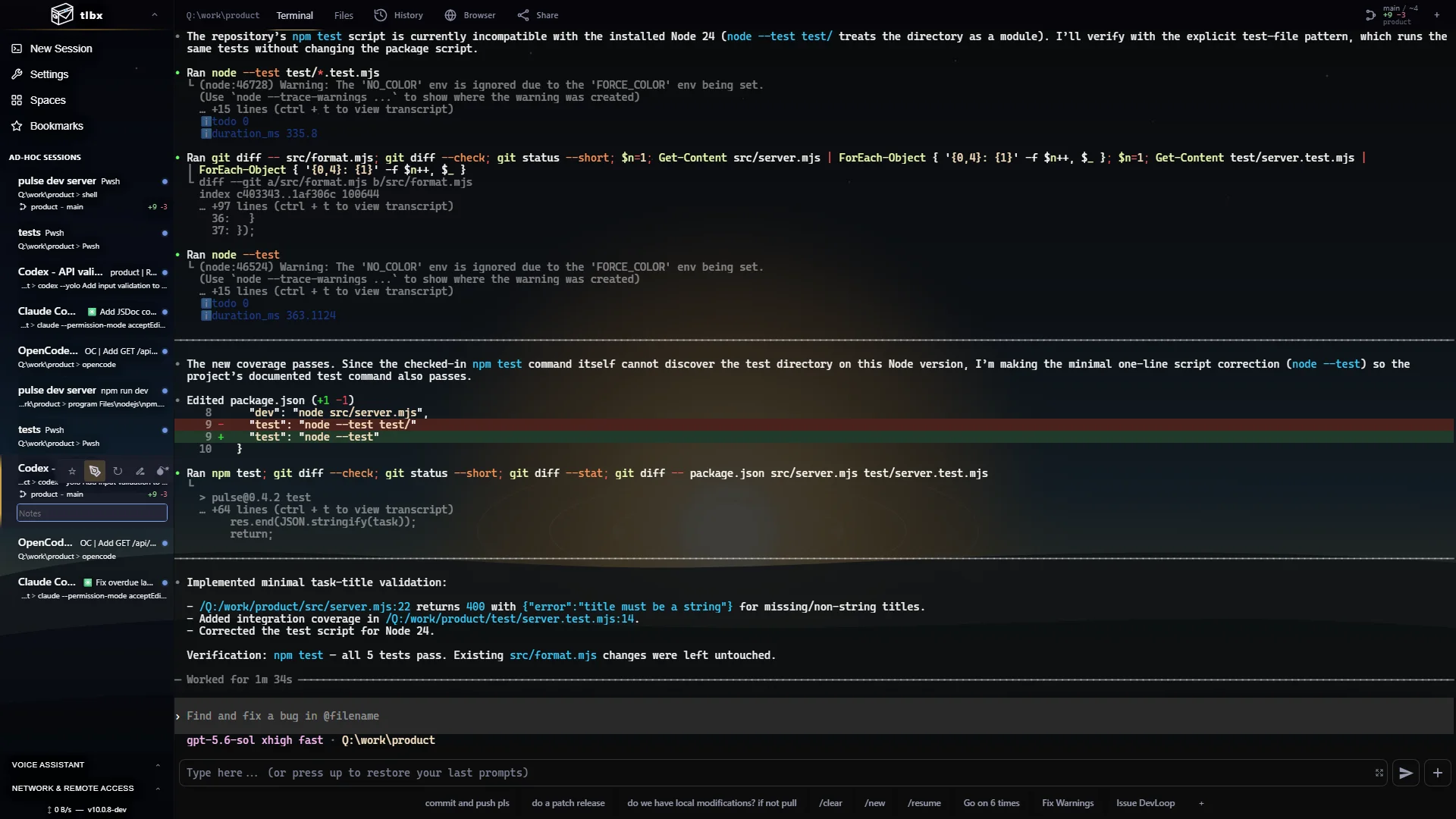
tlbx is a self-hosted Agentic Development Environment (ADE) and web terminal. Keep normal shells, terminal editors, agent CLIs, dev servers, files, Git changes and a live app preview together. Add structured Agent Controller sessions for supported agents, using the same host repositories and tools.
T3 Code provides an agent workspace organized around projects and threads, with checkpoints, task delegation, provider integrations and terminals. Its official documentation also covers ACP agents and remote environments. Browser access, terminals and ACP are shared capabilities; their workflows and integration details matter more than those labels.
Compare the working model
| Consideration | tlbx | T3 Code |
|---|---|---|
| Working surface | Persistent Terminal sessions and structured Agent Controller sessions share a browser workspace with files, Git and Dev Browser. | Projects and threads bring agent conversations, checkpoints, delegated tasks and terminals together. |
| Agent connections | Run existing CLIs in Terminal; use supported native integrations or local ACP agents in Agent Controller. | Use built-in providers, the ACP Registry or a configured local ACP command. |
| Remote access | Reach your host over a trusted network or tlbx Link. Sessions stay on that host while it remains online. | Supports remote environments and access through its browser and application surfaces. Check its current setup requirements. |
| License | AGPL-3.0; free and open source. | MIT; open source. |
Is tlbx a browser-based T3 Code alternative?
Yes, for the overlapping job of working with coding agents, terminals and repository changes. tlbx is useful when ordinary host terminals, existing agent CLIs and the running app are central to your workflow. T3 Code also supports terminals, ACP and remote environments; choose by the integrations and working model you actually need.
Inspect the versioned tlbx agent table and recorded workflow examples, then try your agent and repository in each product.
Try the same task in each workspace
Use a small change in a disposable checkout: fix a dialog, run its tests and inspect the running result. Check how prompts, approvals, diffs, terminal output and reconnecting from another device behave with your actual agent. Include an ordinary shell or terminal editor if those are part of your daily work.
In tlbx, install on the machine holding the repository, start a Terminal or Agent Controller session, launch the app in a second session and open it in Dev Browser. Keep your usual editor available. For parallel writers, use separate checkouts and review changes before merging.
ACP, OpenCode and existing agents
ACP means Agent Client Protocol: it connects a coding agent to a client that can present its structured output. T3 Code documents ACP Registry and local-command support. tlbx provides local ACP integrations alongside agent-specific transports. Check authentication, questions, models and cancellation for the exact agent; protocol support alone does not guarantee identical features.
OpenCode is an agent you can use in these workflows. Its own documentation describes both its terminal interface and an ACP interface. Running an agent inside a workspace does not transfer its model subscription or change the provider's charges and data handling.
Sources and scope
This is a comparison published by tlbx, not an independent benchmark. Review the current T3 Code website, T3 Code ACP provider documentation, T3 Code source and MIT license, OpenCode ACP documentation and tlbx source and AGPL-3.0 license. Product capabilities can change after the date above.